Migrate Grafana instance to new server
In my lab I have several Grafana instances. One of which has been with me for quite some time. The server this instance is running on is quite old, and even though it's been updated regularly time has come for it to be decommissioned. While Grafana easily could be redeployed with automation and both dashboard and datasource provisioning I thought I'd document how to migrate my installation from one server to another.
The current setup is a Grafana server running on a RHEL based server. The Grafana version running currently is the latest (at the time of writing) 11.x version, 11.6.14. The instance was upgraded recently because of the latest security patch.
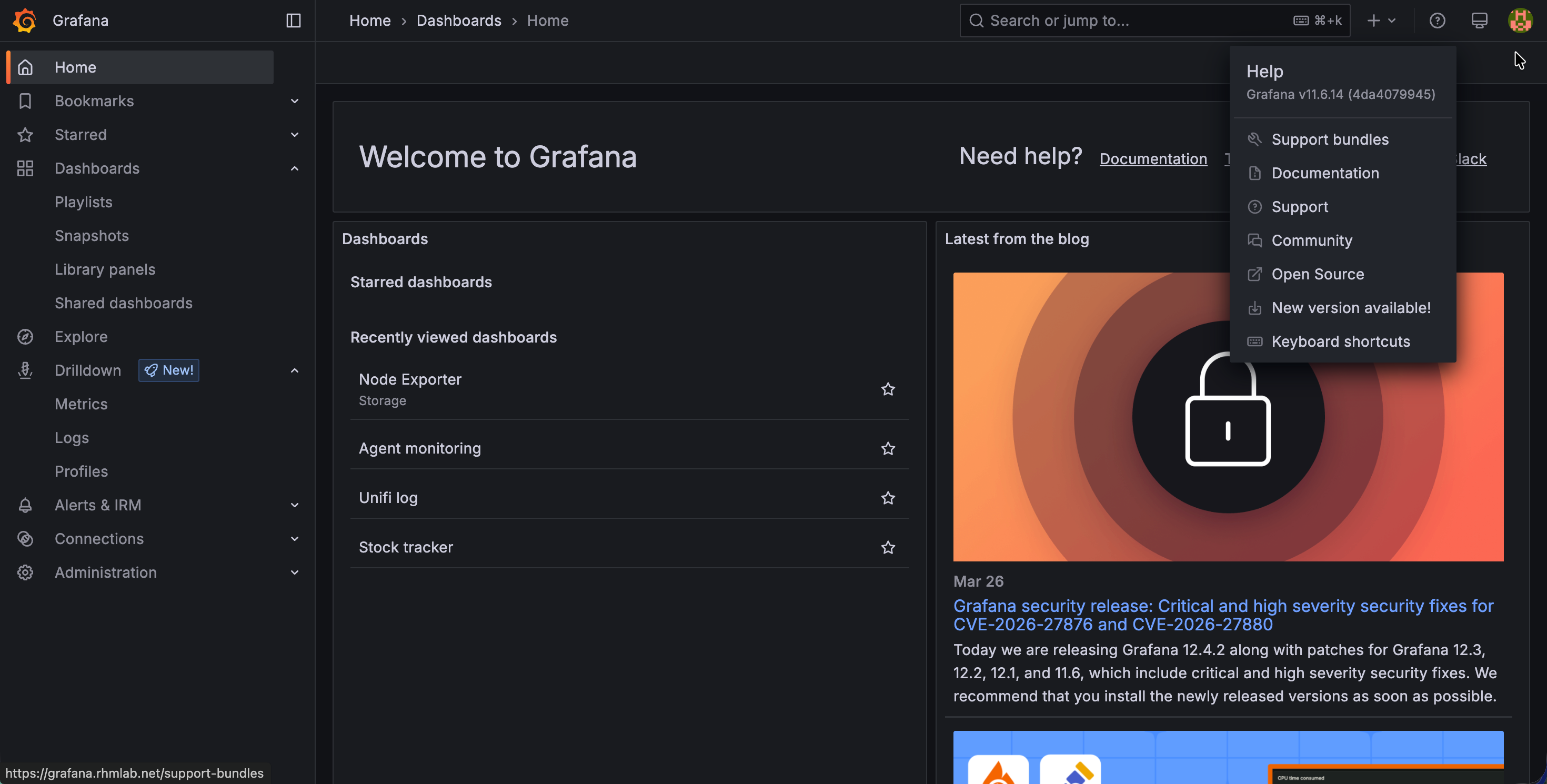
We have a newly setup server on Ubuntu 24.04 where we've installed the same Grafana version as runs on the old server
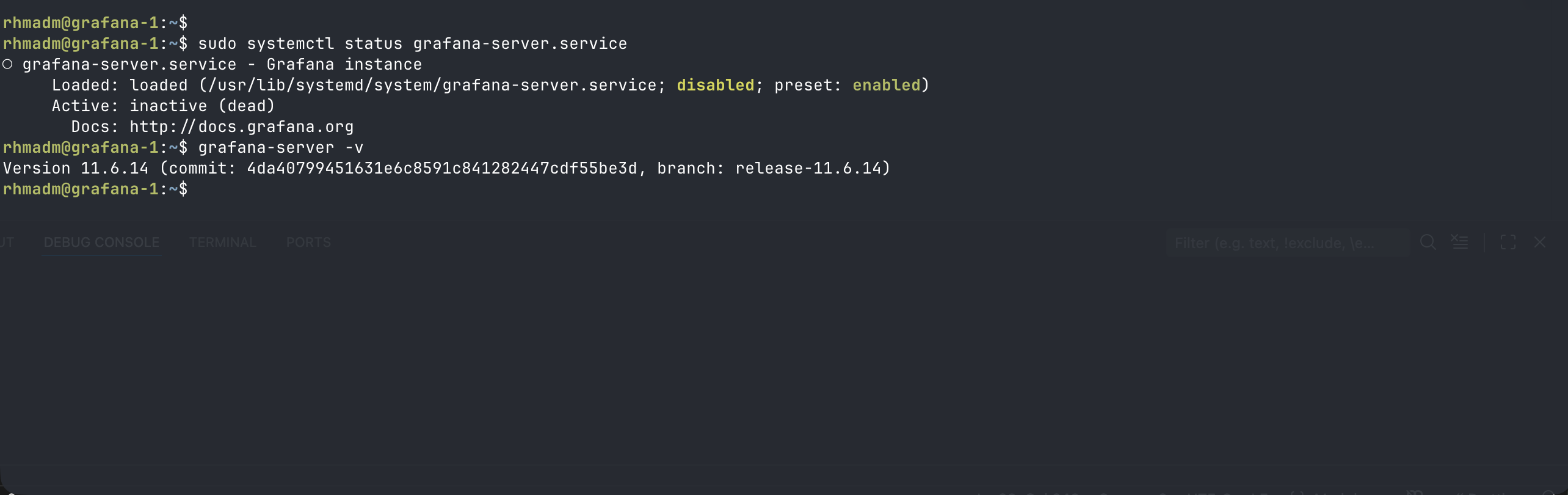
Note that the server is not running
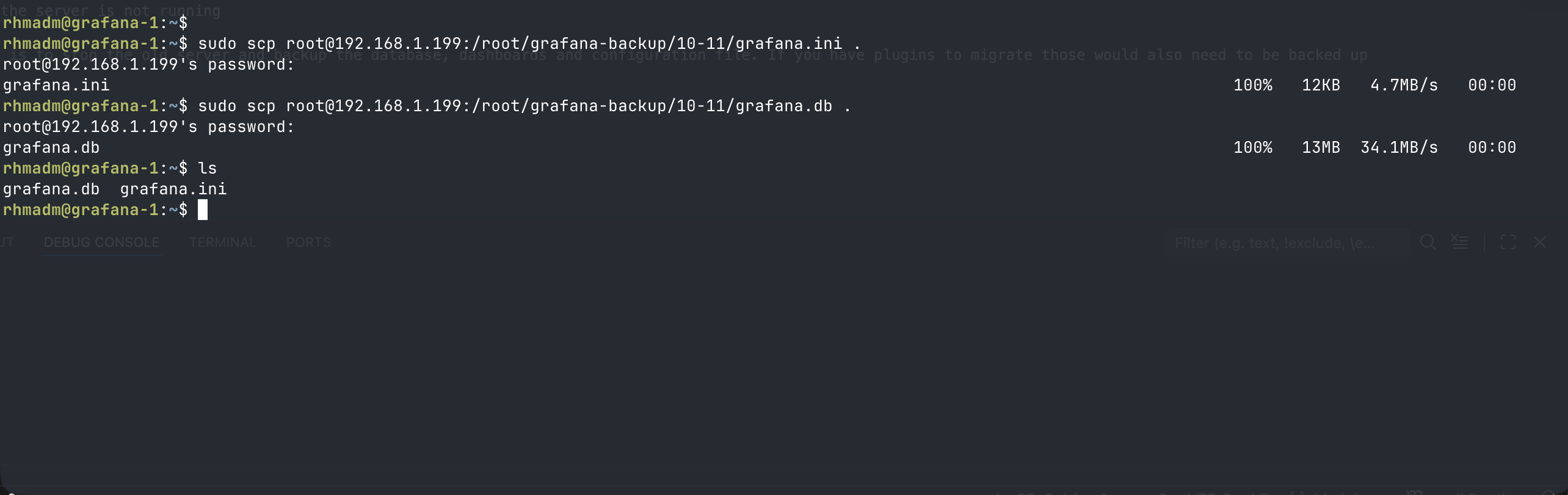
First step is to stop the old server and backup the database, dashboards and configuration file. If you have plugins to migrate those would also need to be backed up
Now, let's move the file to their correct locations on the new server and try to start the Grafana server
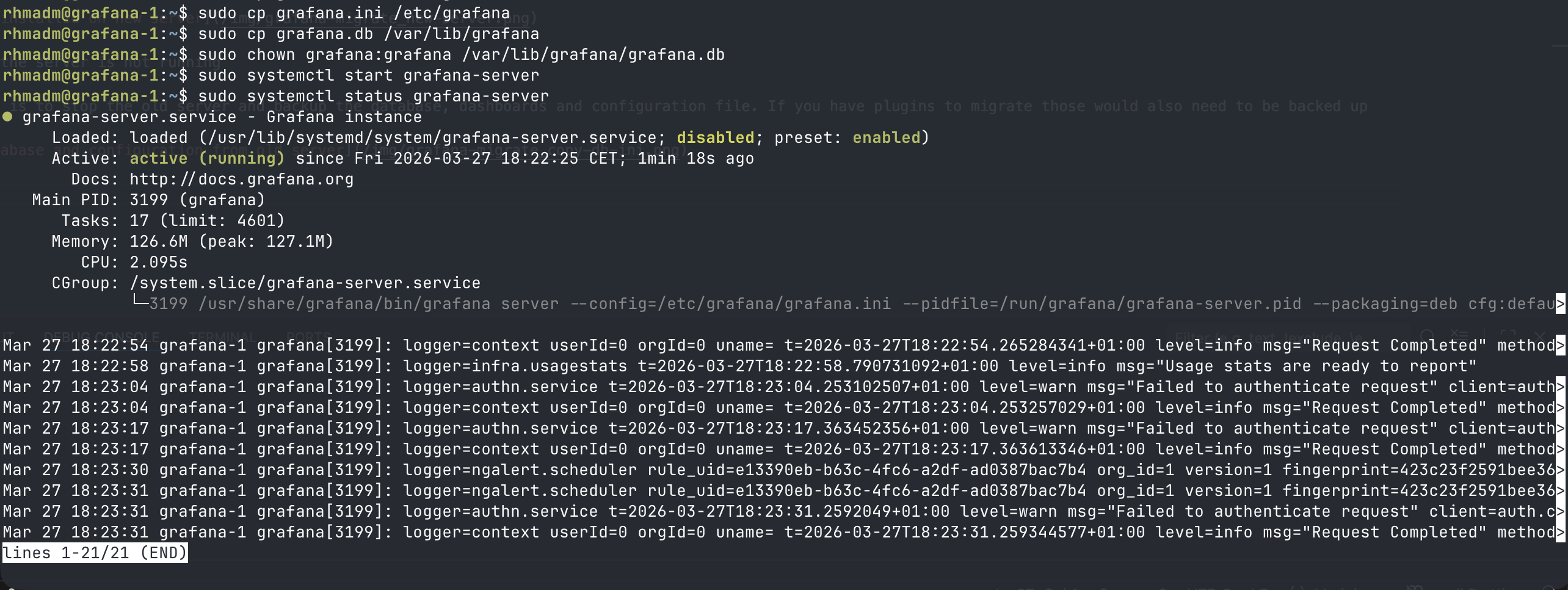
With that in place and the Grafana server started we can log in and see if we've got our datasources and dashboards in place
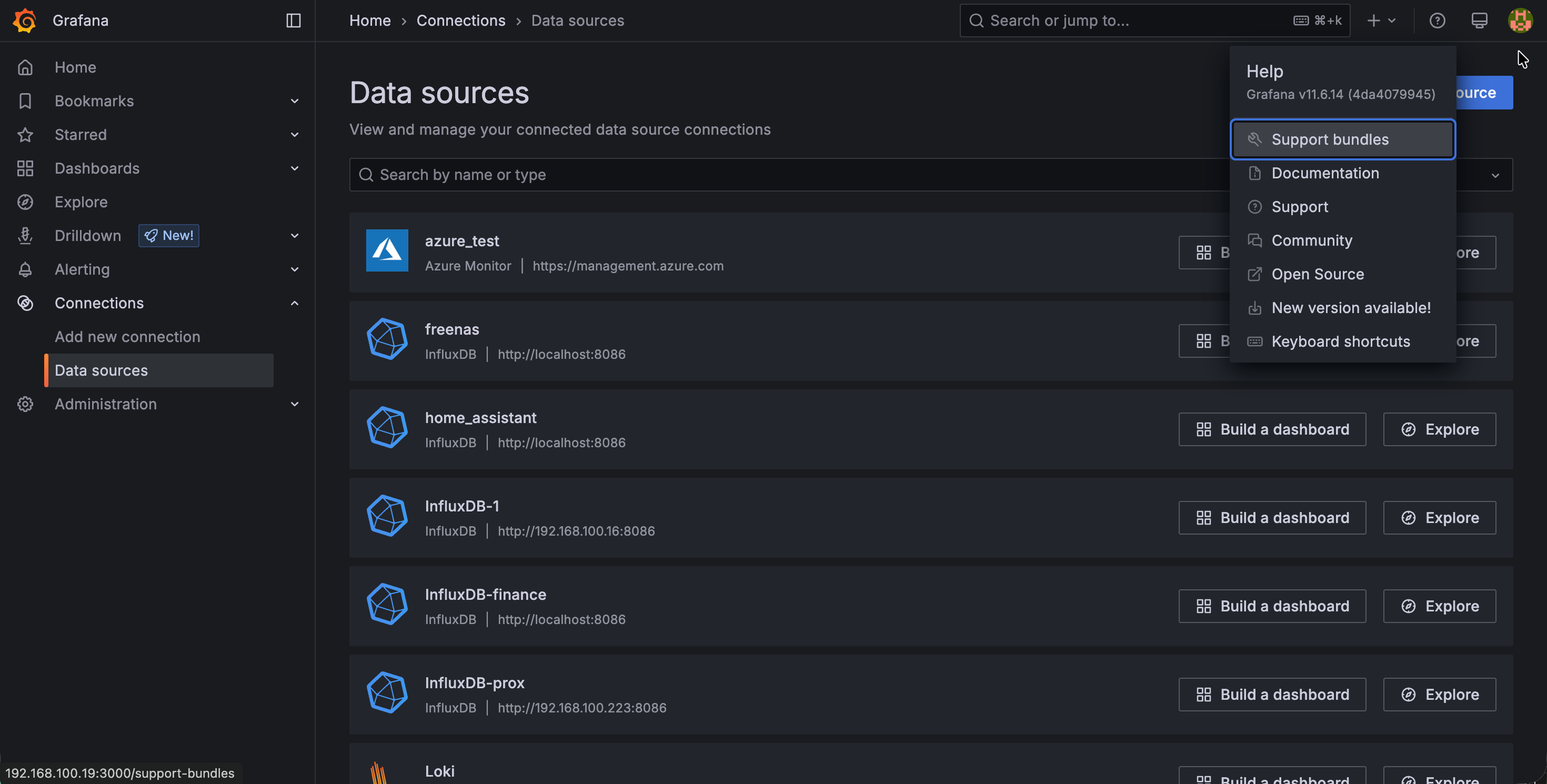
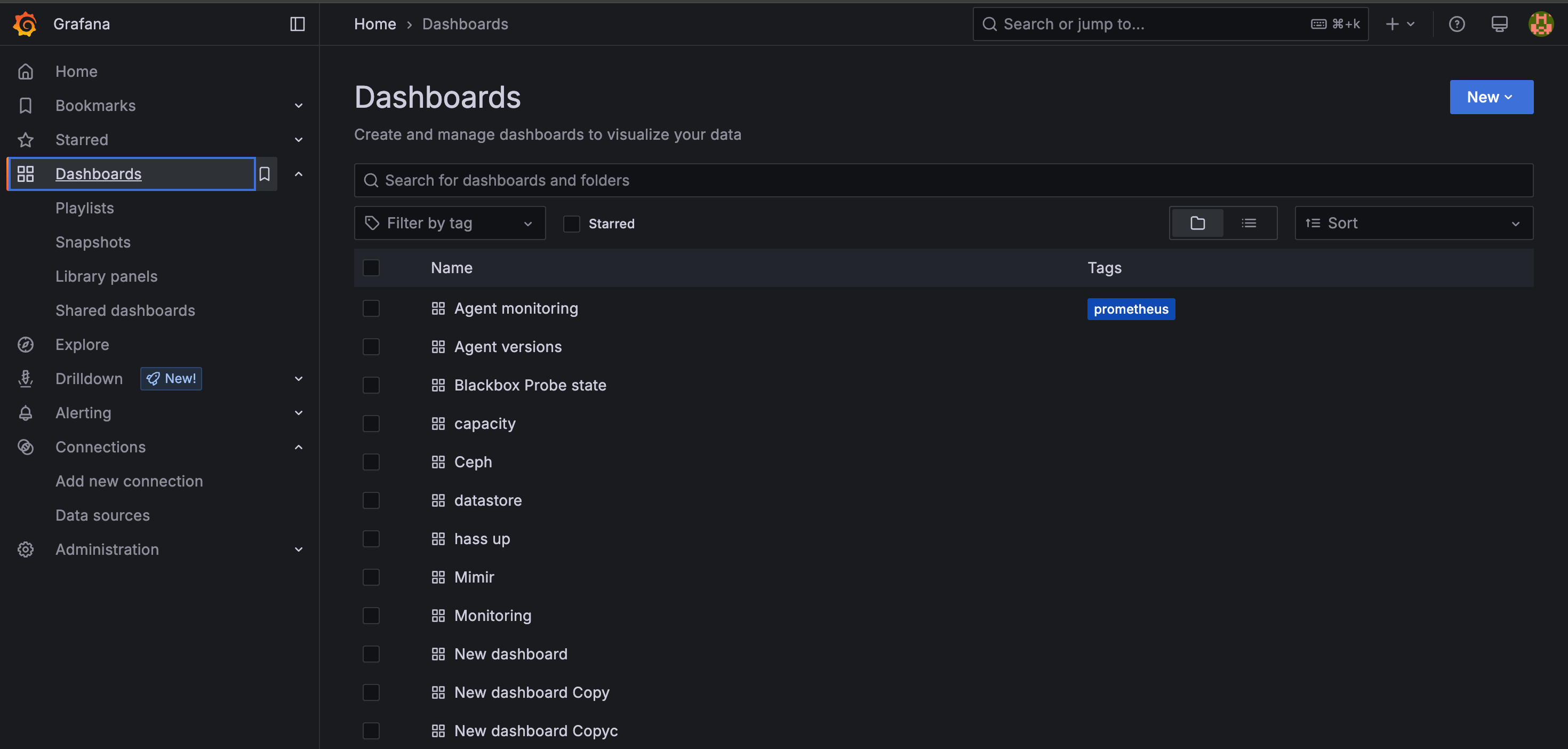
We can see our datasources and dashboards have been restored to the new server. Note that some of the datasources are pointing to localhost which obviously would not work if we've haven't moved the backend datasource as well.
As mentioned in the start of this blog post, with the provisioning capabilities in Grafana, and with the announced Git sync functionality, the migration process, although seemingly straightforward, I would probably look at those before migrating an instance. Nevertheless, hopefully some might find it useful.