Migrate VMs from VMware ESXi to Proxmox
Today we'll look at one way of migrating VMs from ESXi to Proxmox. There are other ways and other tools as well, but this method utilizes only built in functionality in Proxmox.
Please note that this does not work when the original VM is running on vSAN
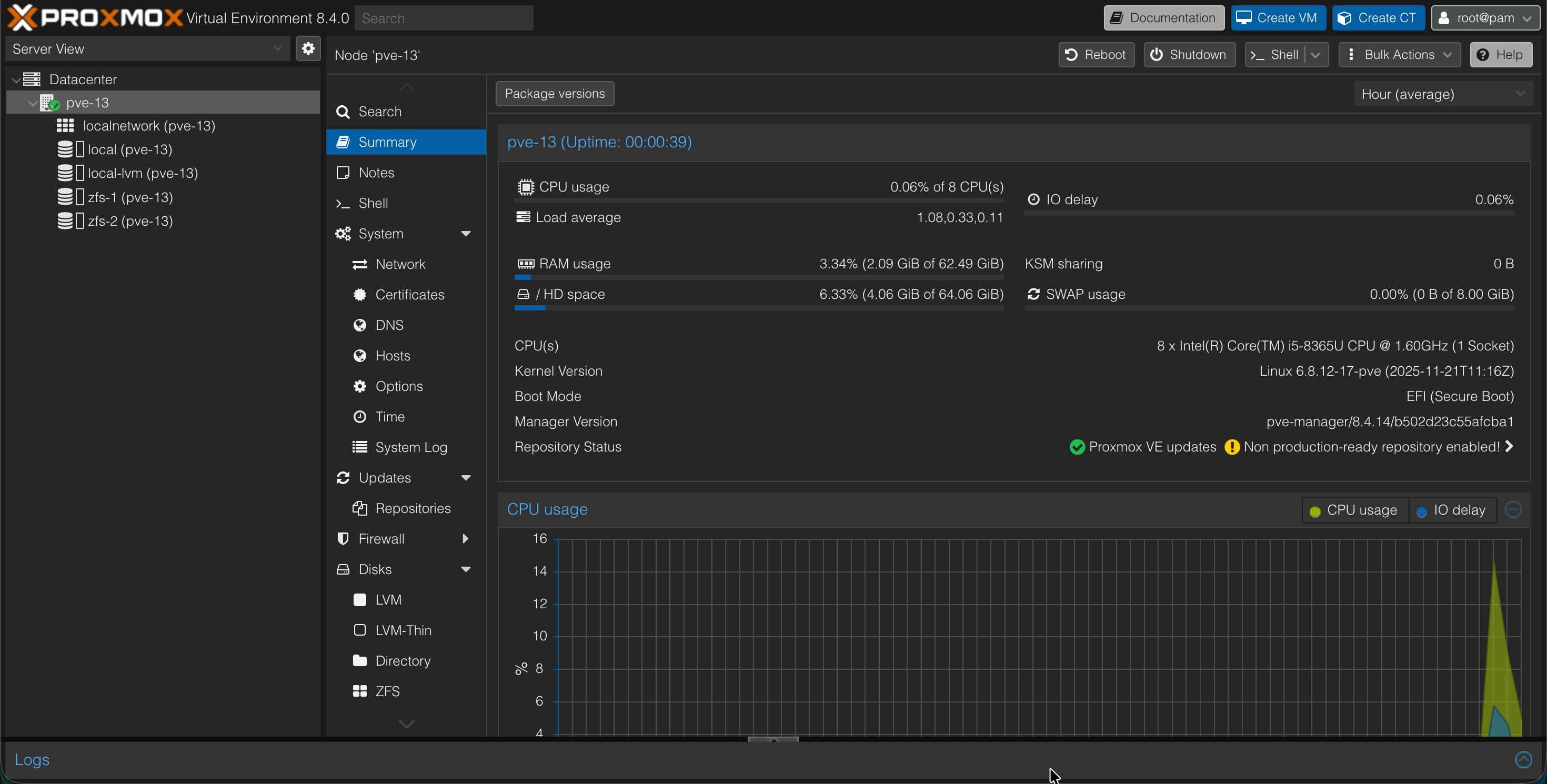
The environment we'll use includes an ESXi host that are connected to a vCenter although it could just as well be a standalone host, and a Proxmox VE host
Our ESXi host is running version 8.0.3 and the Proxmox VE host is on 8.4.14
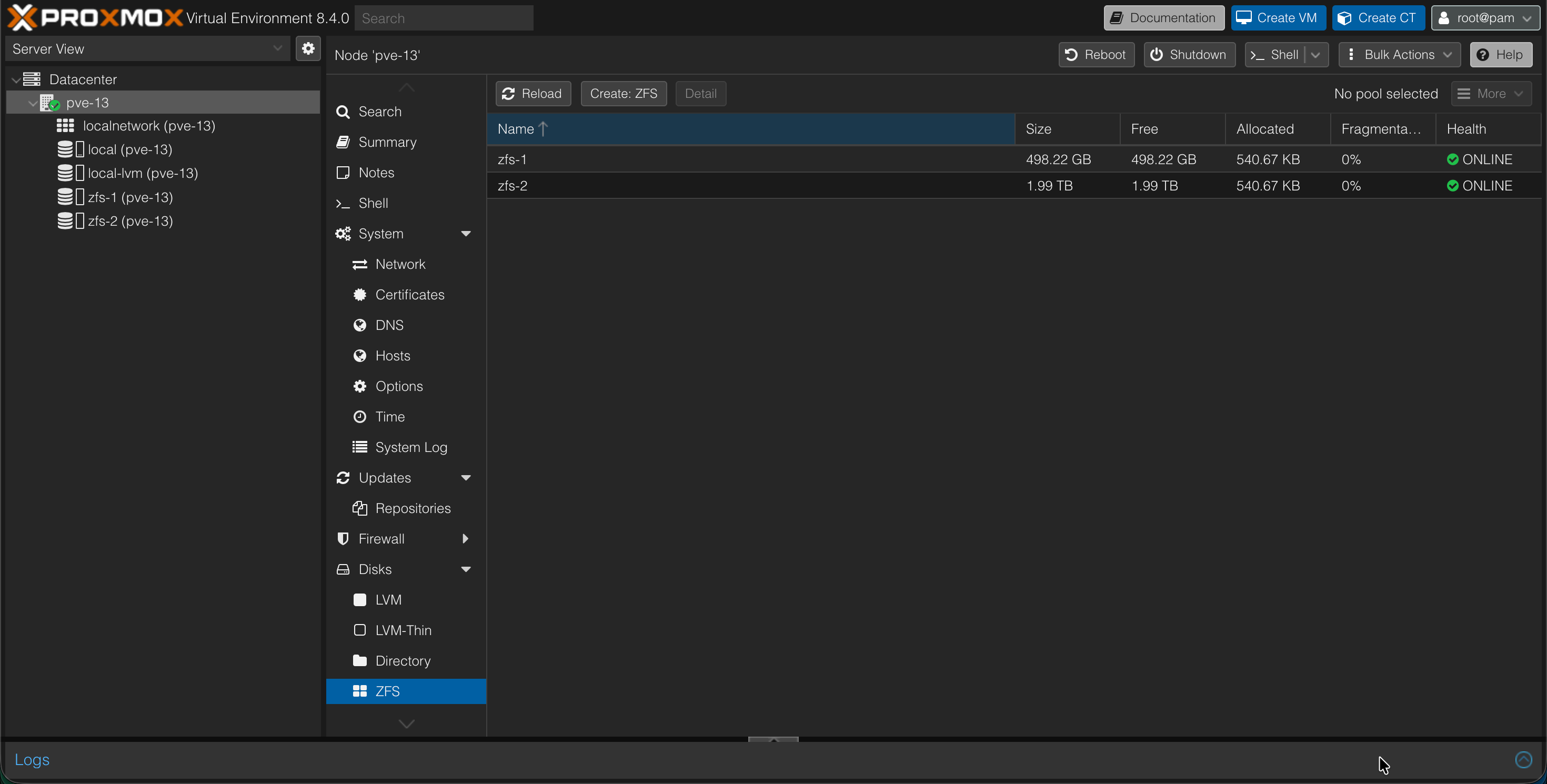
The Proxmox host is in a PVE cluster, but it's the only host in this cluster at the moment. For storage it has two internal disks, one NVMe and one SSD disk. They are configured in two separate ZFS pools, zfs-1 and -2.
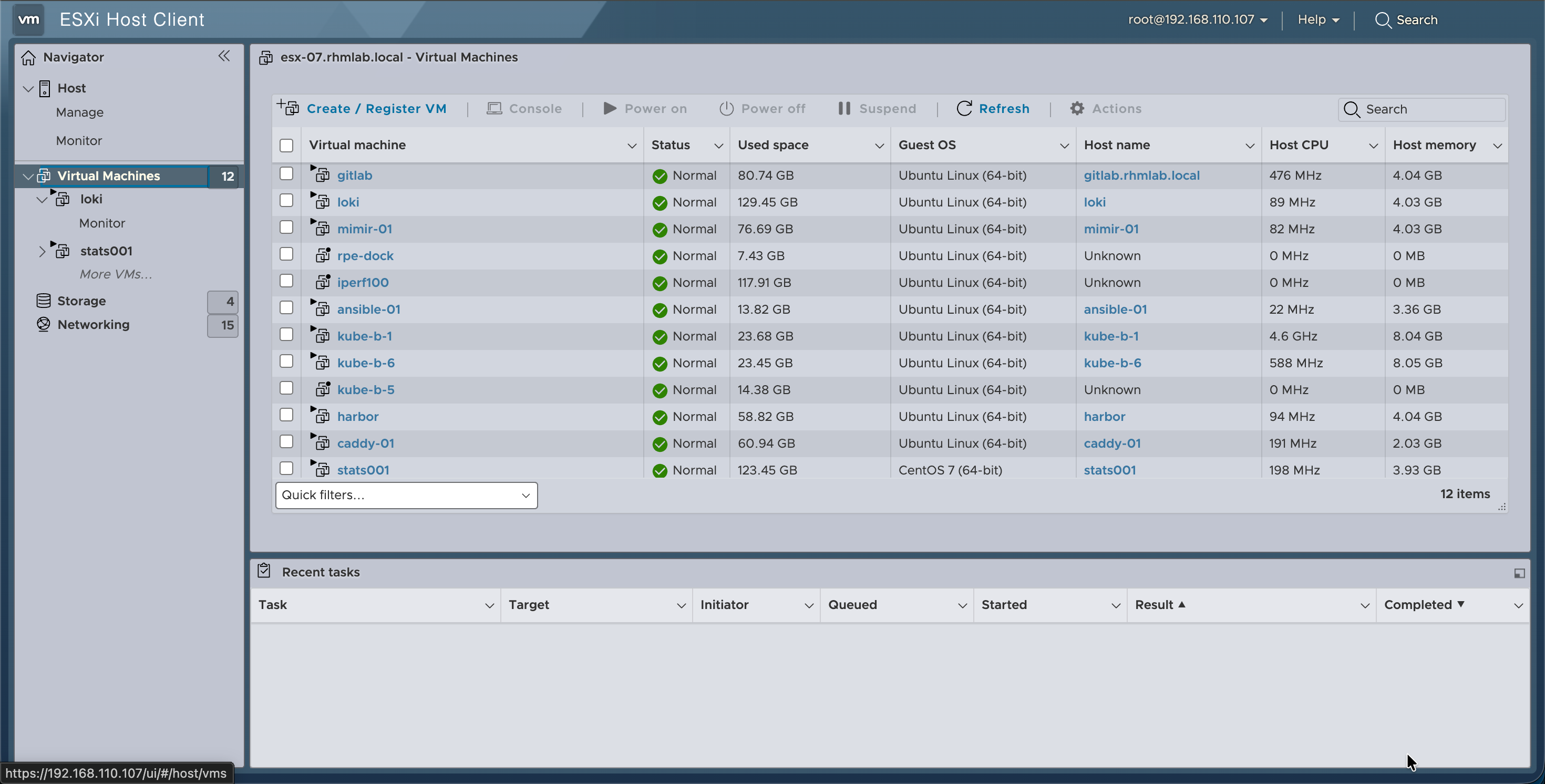
The ESXi host has several machines running on it
Importing Virtual machines
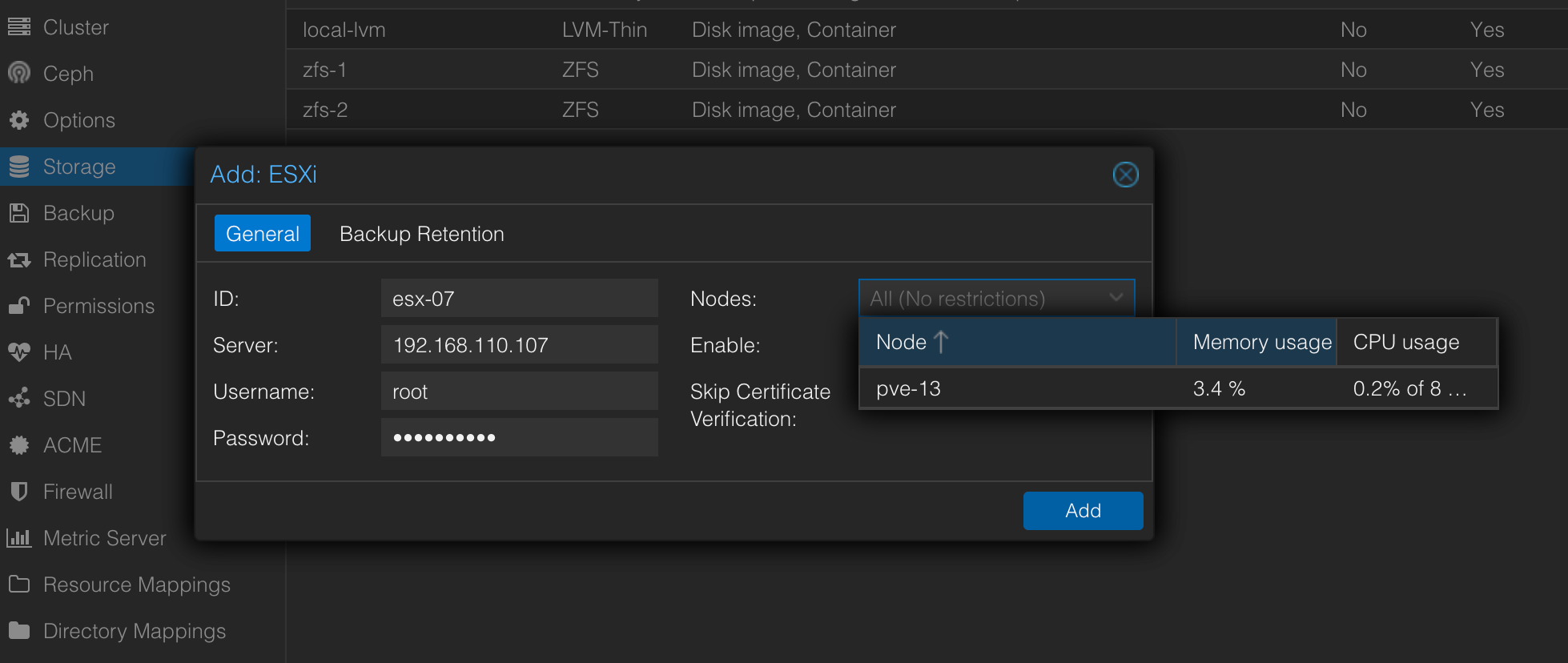
Now the first step will be to add the ESXi hosts datastore to our Proxmox host
This is done in the Datacenter->Storage view
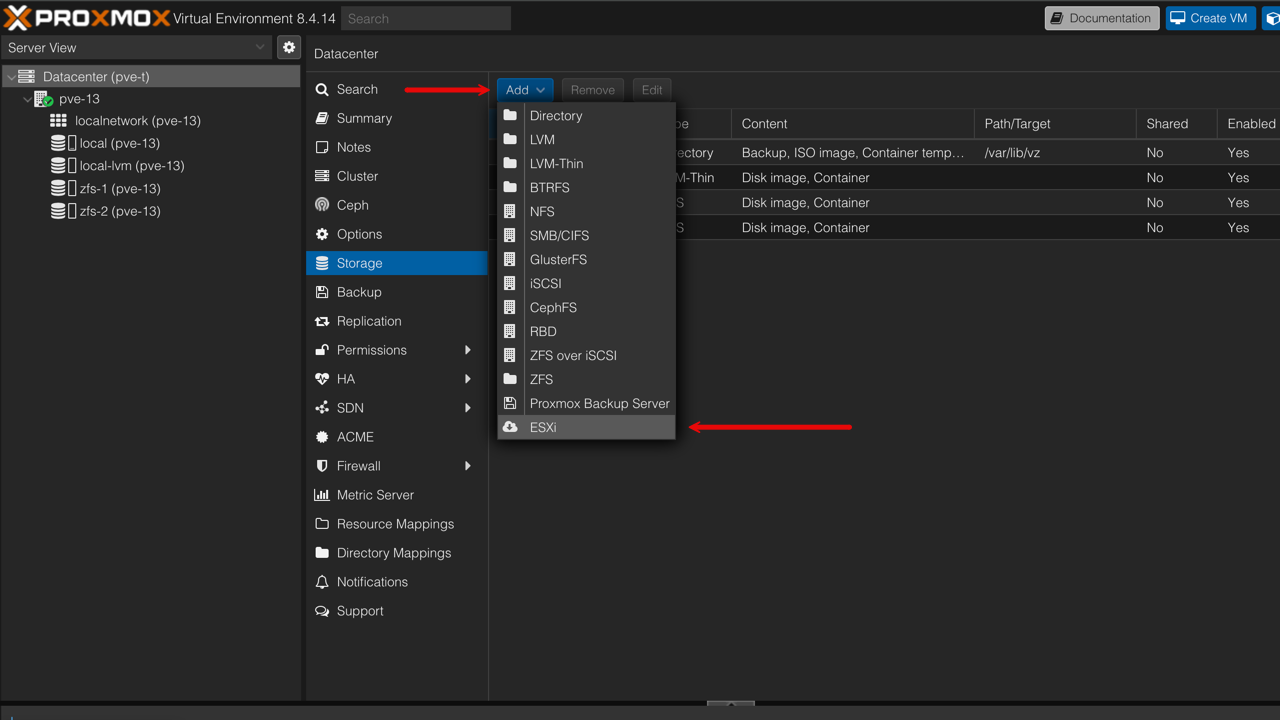
We'll add the ESXi host by specifying the connection and credentials. Note that if wanted it can be added to only a subset of the nodes in the cluster
Before initiating the migration be sure to have checked the official Proxmox VM migration guide
A quick summary of things to consider pre and post migration:
- Remove old VM tools before migration. It can be difficult to do this after migration
- Verify BIOS/UEFI and configure the Proxmox VM accordingly
- Verify VM hardware (reference the above mentioned guide)
- Install drivers (VirtIO)
- Install QEMU guest agent
Now, there is support for live migration, but at the time of this writing I haven't gotten it to work without bringing down the VM on the ESXi side. When the VM is running on ESXi the import wizard displays a warning where it states that it might not work
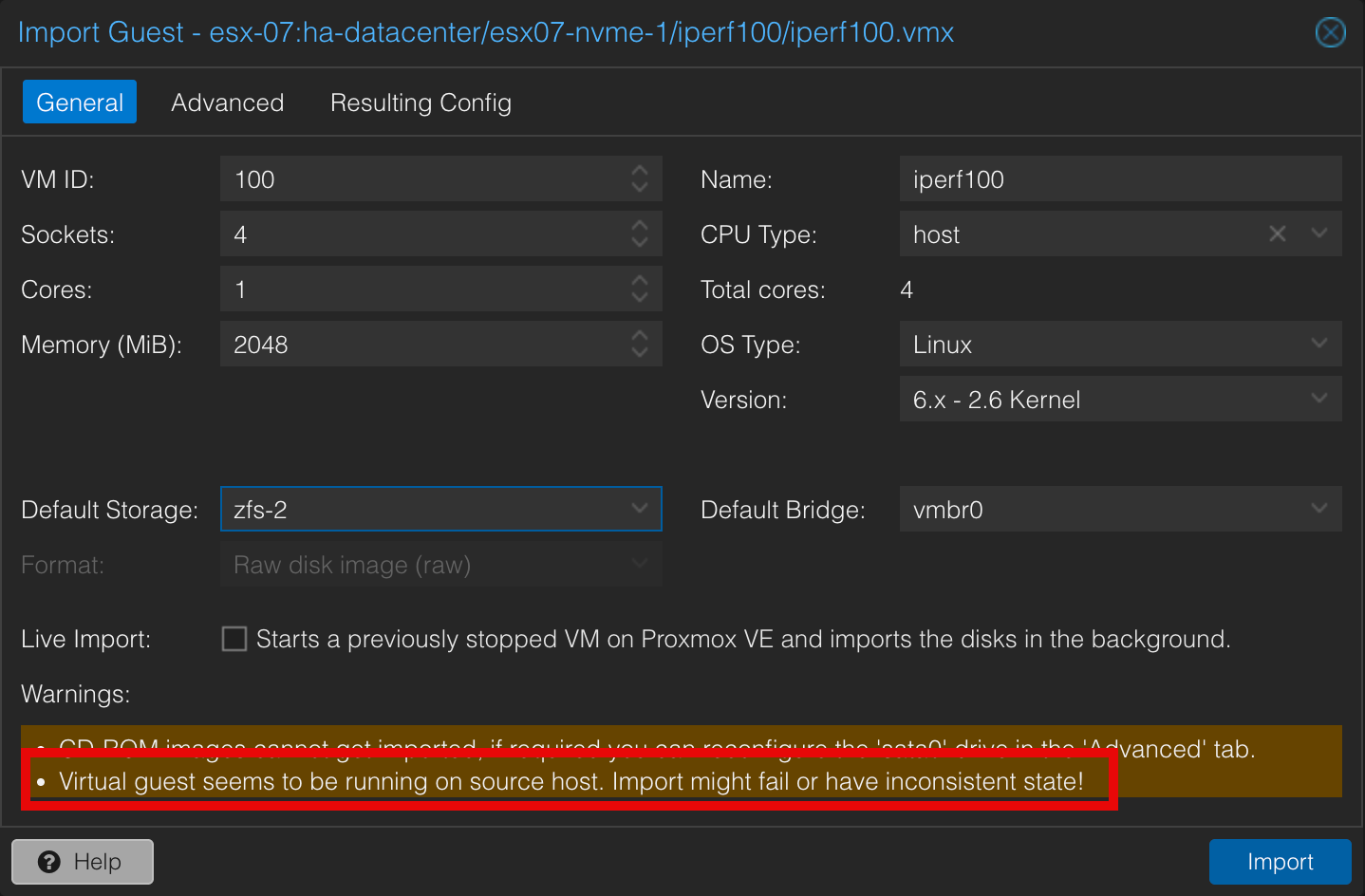
If you reference the migration guide you'll see that the live migration feature references that there will be downtime

With this in mind we'll migrate a VM that is powered off on the ESXi host and select the auto start on Proxmox
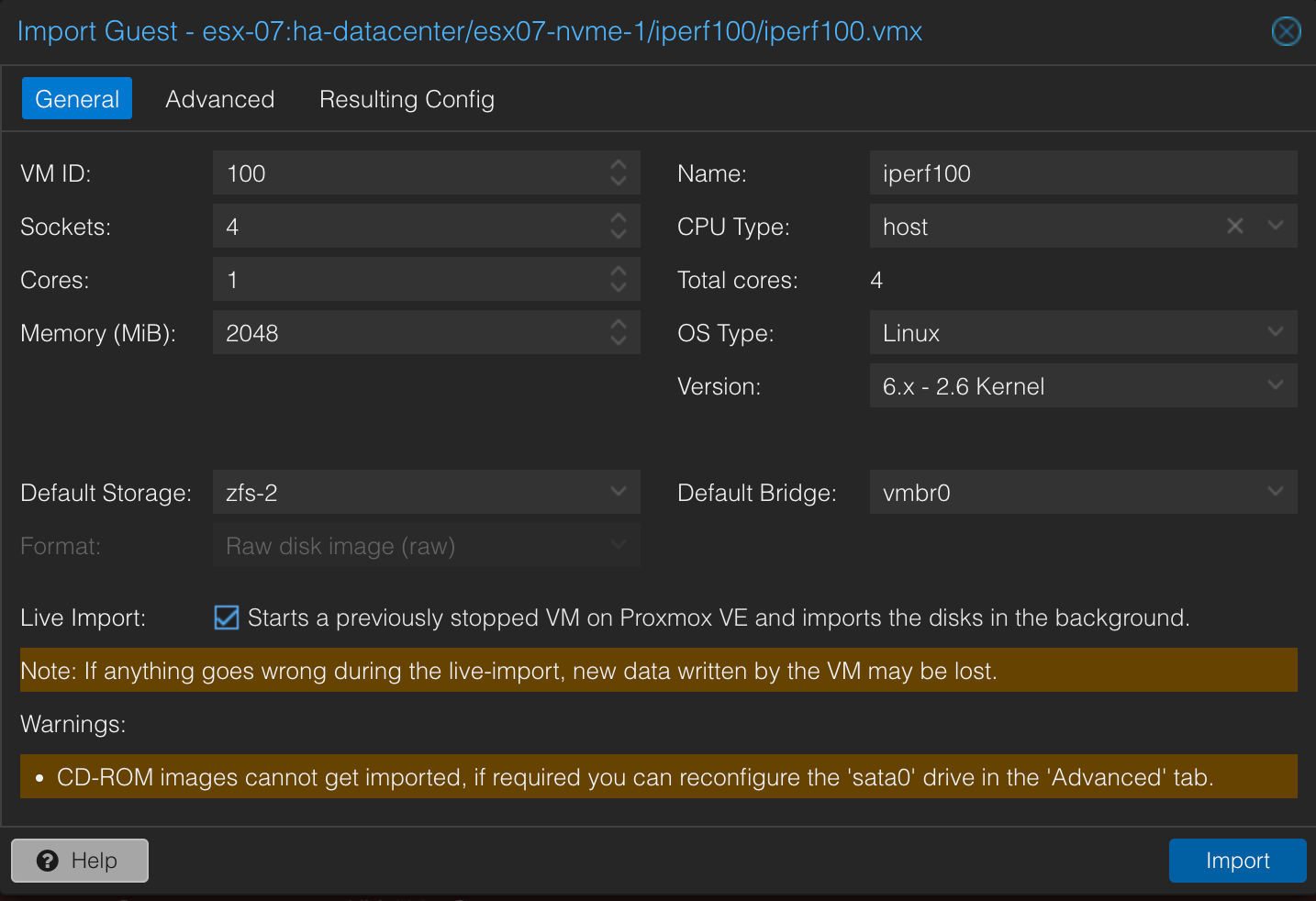
The import process will take some time depending on the size of the VM and the underlying storage and network capabilities since this process will copy the data from one host over to another.
Even if the VM had resided on the same physical external storage it would have copied the data blocks so some time would be needed.
Another thing to be aware of is that even though the VM get started after migrating it might not be functional.
As mentioned above the virtual hardware between ESXi and Proxmox differs and might need adjustments.
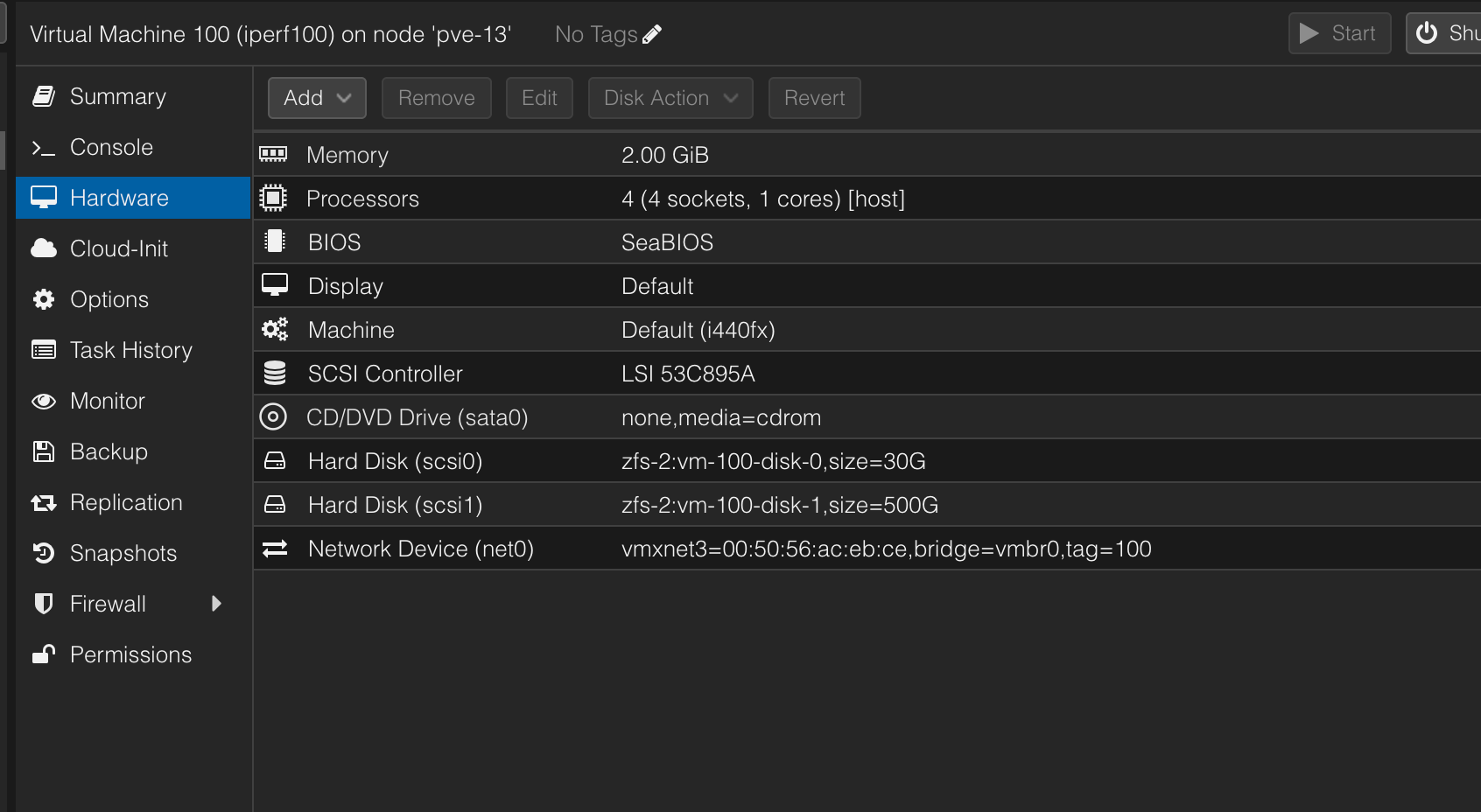
I've also encountered numerous times that the network configuration is reset after migration.
One reason might be that the device name of your NIC has changed, for Linux servers this has been an easy fix.
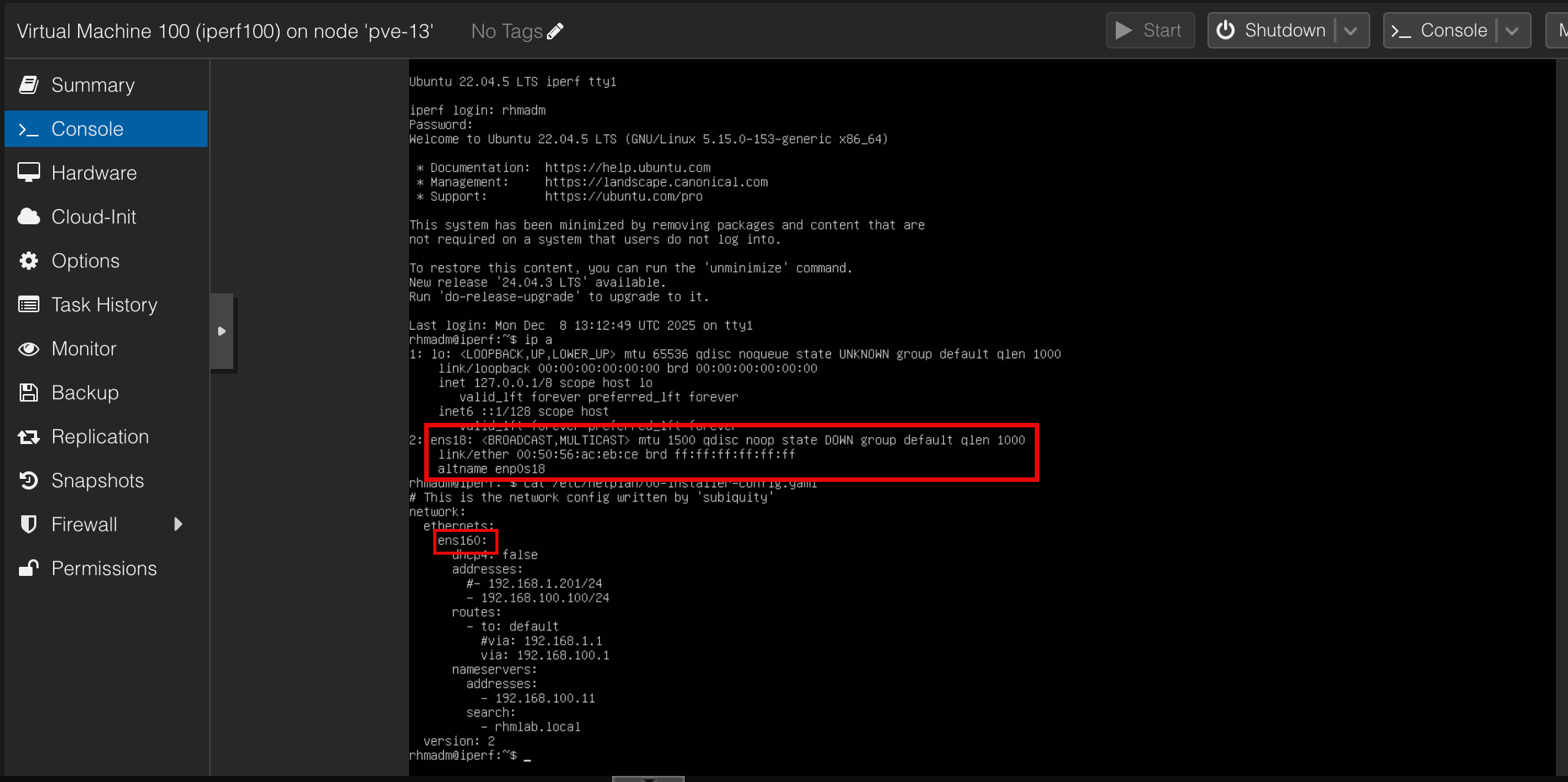
This could be mitigated with different techniques, one being keeping the mac address of the virtual nic and setting the name based on this
After fixing the device name of the NIC the VM should be online and working.
Note that the VM will still be present on the ESXi host. This is great for the ability to recover and get the VM up and running as before, but on the other hand it might result in unwanted issues if one were to start the VM on the ESXi host when it's running on the new Proxmox server
Summary
This blog post has shown one way of migrating VMs from VMware vSphere to Proxmox, there are other ways to do this, both using third party tools and builtin ones
The official Proxmox migration guide describes one process utilizing shared storage where the VM can be started on the PVE host using the original VMDK